Cut no shows 35%: SMS appointment reminders for Australian businesses
Cut no shows 35% with SMS appointment reminders. Set up calendar sync, two way confirmations and recorded consent to meet Australian privacy rules.
Yes, automated SMS appointment reminders reduce no-shows, but only when three things are in place: calendar sync so reminders always match reality, two-way confirmation so patients or customers can act on the text, and consent handling that satisfies privacy law. Businesses running this combination typically report an average 35% drop in no-shows, with some organisations reporting far higher reductions.
TL;DR:
- Calendar synchronization, two-way confirmation, and proper consent handling are essential for SMS reminders to significantly reduce no-shows.
- Most businesses can implement automated SMS reminders within a week by choosing a platform with API integration and verifying sender identity.
- Multi-step reminder timing, typically with messages sent days before and on the day of the appointment, improves attendance rates compared to a single message.
- Compliance requires recording consent, providing opt-outs, and limiting access to message logs, especially for regulated sectors like healthcare and finance.
- Tracking delivery, confirmation, no-show, cancellation rates, and response times weekly helps optimize reminder effectiveness and justify ROI.
Table of Contents
- What automated SMS reminders do and why they help your business
- How do you set up SMS appointment reminders?
- When should you send reminders and what should they say?
- What are the privacy rules for SMS reminders in Australia?
- How do you measure whether your reminders are working?
- When does an enterprise conversational AI platform make sense?
- What one deployment lesson actually matters
- Try Conversational AI for secure, Australia-hosted reminder automation
- Sources
What automated SMS reminders do and why they help your business
A proper SMS appointment reminder system does more than fire off a text at a set time. It watches your calendar, pulls the appointment details, sends a templated message, tracks whether it was delivered, and logs the reply. Miss any of those pieces and you’ve built a notification, not a reminder system.
The features that separate a working setup from a frustrating one:
- Scheduled sends tied to appointment time, not a manual daily batch
- Two-way calendar sync so reschedules and cancellations update automatically
- Editable templates for different appointment types (consult, follow-up, procedure)
- Two-way messaging so recipients can confirm, cancel or reschedule by replying
- Delivery tracking that flags failed or bounced messages
- Basic analytics: confirmation rate, no-show rate, response time
Reminder platforms report a 35% average reduction in missed appointments, with some clinics and service businesses seeing reductions as high as 90% once reminders, confirmations and rescheduling flows all run automatically, according to research published in Applied Sciences.
SMS outperforms email and phone calls for one simple reason: it reaches a phone without needing an app, a login, or reliable data coverage. Research on SMS reach confirms it remains one of the most consistently visible channels across age groups and connectivity levels, which matters a lot if your customer base includes older patients or people in regional areas with patchy internet.
How do you set up SMS appointment reminders?
Getting reminders live doesn’t need a six-week IT project. Most businesses can go from decision to first automated text within a week if they work through the setup in order.
- Pick a platform with calendar integration or an open API. Whether it connects natively to your booking system or via Zapier, the reminder tool needs to read appointment data automatically, not from a spreadsheet someone updates by hand.
- Verify your sender identity. Decide between a dedicated business number, a short code, or an alphanumeric sender ID, and register it properly so messages don’t land in spam filters or get blocked by carriers.
- Map your appointment types to templates. A dental check-up reminder shouldn’t read the same as a specialist consult reminder. Build two or three template variants early.
- Audit your contact records. Every entry needs a valid mobile number and a documented record of consent to receive SMS. This step gets skipped constantly, and it’s the one that causes compliance headaches later.
- Set your reminder rules. Decide who gets reminded, how many messages, and at what intervals before the appointment.
- Test on a small batch before going live. Send to a handful of real appointments first, check delivery, check that replies land where staff can see them, then scale up.
Pro Tip: Before you automate anything, reconcile every place your business currently stores appointments, whether it’s a practice management system, a paper diary at reception, or a separate online booking widget. If two systems disagree about a booking, your reminder will confidently text the wrong information to a patient, and that’s a worse outcome than no reminder at all.
When should you send reminders and what should they say?
There’s no single interval that works for every business, but a two-step sequence, one message several days out and a second closer to the appointment, is the pattern most services settle on after testing. Narrative reviews of SMS reminder trials confirm multi-step sequences consistently outperform a single message, though the exact spacing is worth testing against your own no-show data rather than copying a fixed rule from another industry.
Keep the wording short and light on detail. Confirm the essentials, prompt a clear action, and avoid stacking in information that doesn’t need to travel by SMS.
| Message type | Example wording | Purpose |
|---|---|---|
| Advance reminder | ”Hi Sam, reminder of your appointment on [Date] at [Time] with [Business]. Reply Y to confirm or R to reschedule.” | Early confirmation, catches conflicts early |
| Close reminder | ”Reminder: your appointment is tomorrow at [Time]. Reply C to confirm.” | Final nudge, reduces same-day no-shows |
| Reschedule follow-up | ”No worries, tap here to pick a new time: [secure link]“ | Moves admin off staff and onto the patient |
A few practices that consistently work well:
- Use a name and time, not a diagnosis or treatment detail
- Give one clear reply option per message, not three
- Route anything sensitive to a secure, logged-in link rather than the SMS body itself
- Confirm the reschedule outcome back to the customer once it’s processed
Two-way replies that write straight back into the calendar are what actually save front-desk time. If a “Y” reply auto-confirms the slot and an “R” reply opens a rescheduling link, your reception team stops chasing people by phone. For services wanting ready-made wording, templates built for service businesses are a useful starting point before you write your own.
What are the privacy rules for SMS reminders in Australia?
Consent isn’t optional and it isn’t a formality. Under the Privacy Act 1988, businesses need a documented basis for contacting someone by SMS, and that consent needs to be recorded, not assumed because someone booked an appointment online five years ago.
Practical obligations that matter day to day:
- Record how and when consent was given, not just that it exists somewhere
- Give a genuine opt-out and honour it immediately, not “within 30 days”
- Keep SMS content minimal, an appointment time and provider name is enough, medical or financial detail belongs behind a secure link
- Limit who inside your business can access reminder logs and reply histories
- Set a retention period for message records instead of keeping everything indefinitely
Businesses handling regulated data, health records, financial details, legal matters, should weigh whether their reminder platform hosts data locally. Enterprise buyers in these sectors increasingly ask this question upfront, because a platform hosted offshore can complicate compliance even when the messaging itself is compliant. If you’re unsure where your obligations start and stop, rules on unsolicited contact are a useful companion reference alongside the OAIC’s own guidance.
How do you measure whether your reminders are working?
Five numbers tell you almost everything: delivery rate, confirmation rate, no-show rate, cancellation rate, and time to response. Track them weekly, not quarterly, because a sender ID issue or a carrier block can quietly tank delivery rate for days before anyone notices.
Run simple A/B tests once volume allows it:
- Test a 48-hour reminder against a 24-hour reminder for the same appointment type
- Test one confirmation phrase against another and compare reply rates
- Track no-show rate before and after each change, not just in the week you made it
Pragmatic studies on reminder rollouts found the biggest attendance gains came after teams fixed inconsistent appointment data, not after they tweaked message wording. Get the data clean first, then optimise the copy.
Once you’ve got a stable no-show reduction, translate it into a number your business case actually needs: extra appointment slots reclaimed per week, multiplied by average appointment value. That’s the figure that gets budget approved.
When does an enterprise conversational AI platform make sense?
A basic reminder tool is enough for a single-location business running one calendar. It starts to strain once you’re juggling multiple locations, multiple systems, or a sector where a data breach carries real regulatory weight.
Signs it’s time to look at an enterprise-grade platform:
- You need reminders across SMS, voice, email and live chat from one system, not three disconnected tools
- Your CRM or practice management system needs a real two-way integration, not a manual export
- You operate in healthcare, finance or professional services, where hosting location and access control matter to auditors, not just IT
Conversational AI is built around Australia-hosted private cloud infrastructure specifically for sectors carrying that kind of privacy weight, with multichannel agents, CRM integration and analytics baked into one platform rather than stitched together.
Pro Tip: If you’re already deep into multichannel automation, read up on AI appointment booking for Australian enterprises before you commit to a vendor. Booking and reminders share the same calendar logic, and solving them together avoids rebuilding your integration twice.
What one deployment lesson actually matters
The businesses that get reminders right unify their appointment source of truth before they automate anything. Skip that step and you’re automating confusion, faster. Two red flags worth pausing for: reception staff who say “we’ve got three calendars we check” and any go-live plan with no test batch before full rollout.
— Sowrabh
Try Conversational AI for secure, Australia-hosted reminder automation
The platform provides a solution for SMS, voice, email and live chat reminders unified within a single system, with hosting based in Australia to support compliance requirements in sectors such as healthcare, finance and professional services.
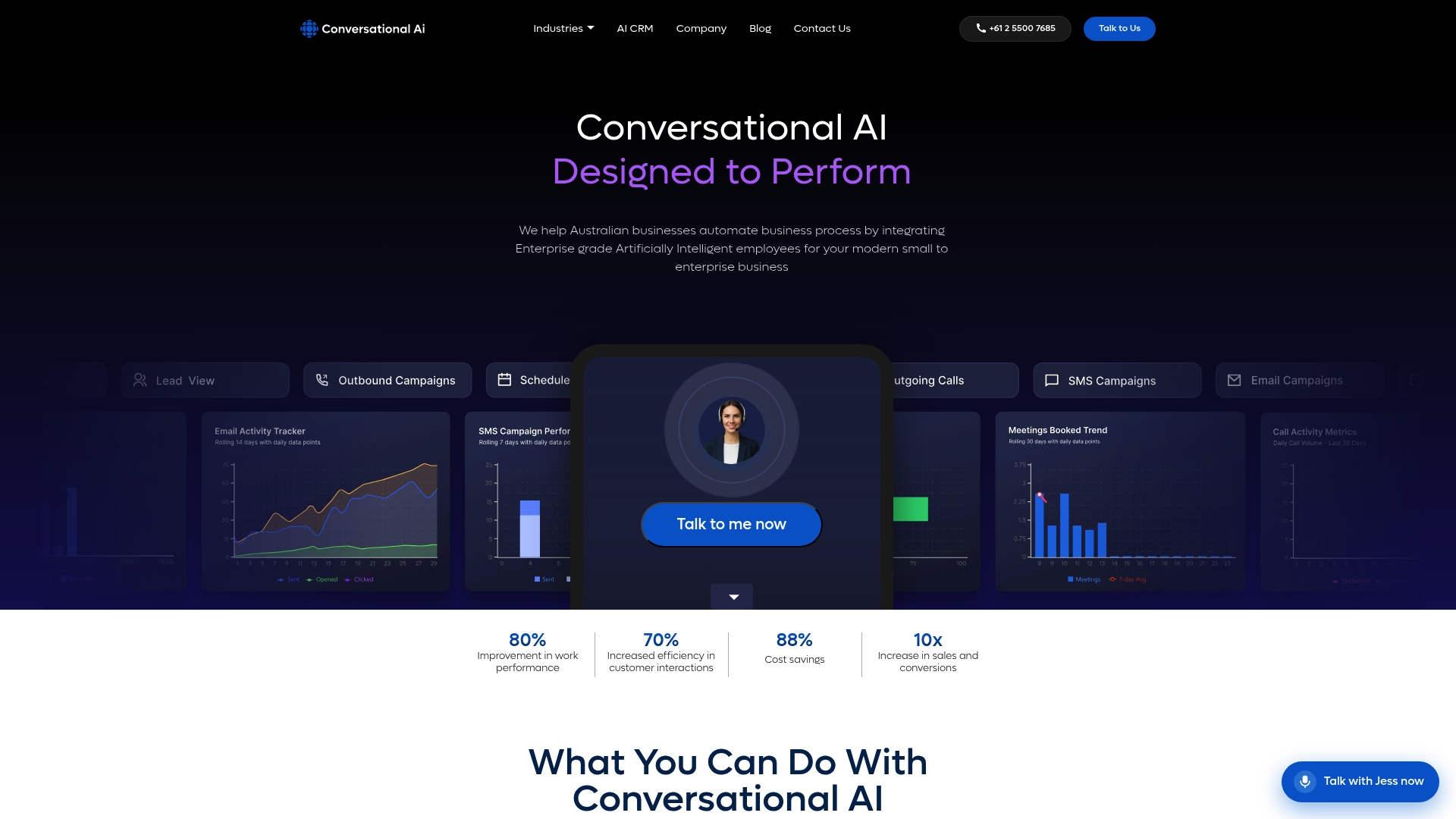
The platform handles reminders along with features like CRM synchronization, automated two-way confirmations, and provides analytics beyond basic manual tracking. If integrations and scheduling flows across multiple locations are already stretching your current setup, field service scheduling is a useful read alongside this on getting confirmation workflows right at scale.
Ready to see it running against your own appointment data? Get in touch with Conversational AI to arrange a walkthrough of how the platform handles reminders, confirmations and CRM sync for your business.
Sources
- Applied Sciences (MDPI) — study referencing appointment reminder impacts (2025)
- Journal of Medical Internet Research — narrative literature review (2018)